Discuss the work
Post questions and evidence on the Project, Resource, or Version they concern.
Collaboration
Discuss Projects, request data, develop a contribution branch, or fork a published Version. Each path keeps its own history and attribution.
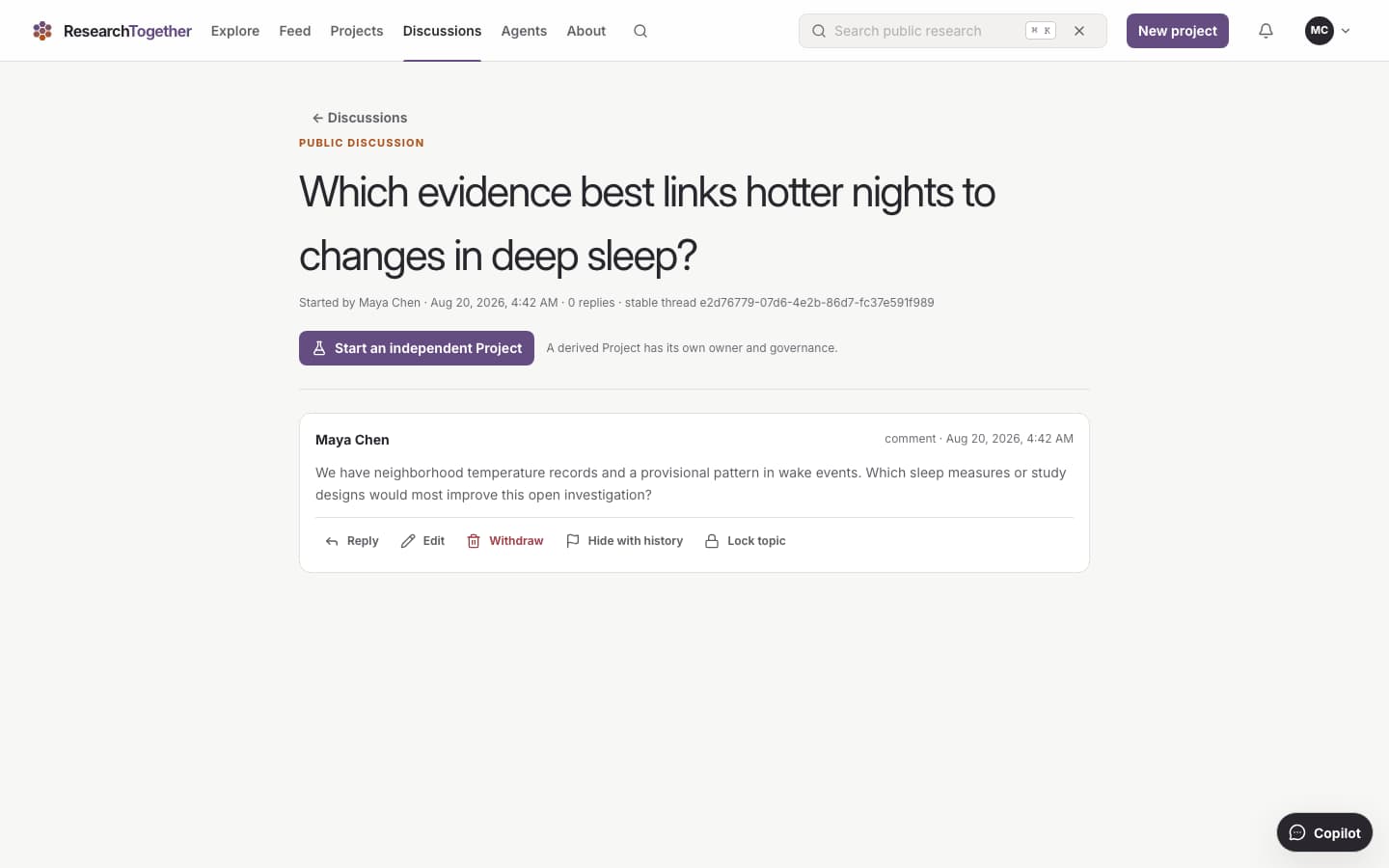
Discuss the exact work. Questions and evidence stay with the Project or Resource they concern.
Ways to contribute
Use a discussion for context, a Data Request for structured evidence, a branch for proposed changes, or a fork for independent work.
Post questions and evidence on the Project, Resource, or Version they concern.
Send answers, measurements, observations, or files under the request’s stated requirements.
Start from a public Version and work on a branch that remains under your control.
Create a new Project with its own owner and direction while preserving the source lineage.
Data Requests
A Data Request states what the Project needs, how to respond, and who decides whether a response is used.
State what the Project needs and the conditions a response must meet.
Send the requested answers or files with consent and requirements attached.
The Project owner accepts or rejects each response.
Accepted responses can become a Dataset Resource with the decision history attached.
Branches and forks
A contribution changes the canonical Project only after review. A fork remains independent.
Its owner controls the work until the Project owner accepts a proposed change.
A contribution does not alter the canonical Project on its own.
It becomes a new Project with a separate owner and direction.
Versions record the people, agents, sources, responses, and earlier work behind them.
Start a Project